OFFLINE
CERTIFIED PROGRAM
LEARN DESIGNING TOOLS
Build a Successful UI/UX & Graphic Designing Career with AI Expertise in 6 Months
Kickstart your design career with bexo.ed’s job-focused UI/UX program.
Begin Your UI/UX Career Journey with bexo.ed
01
Foundation (Month 0 - 1)
At bexo.ed, we don’t overload learners with theory. Our foundation phase is built around hands-on learning, AI-powered micro tools, and practical exercises that help you start creating from Day One.
02
System Building (Month 1 - 3)
This phase is where you start thinking like a professional UI/UX designer, not just a tool user. At bexo.ed, we go beyond basic tutorials and teach you how to design complete user experience systems.
03
Live Deployments (Month 3 - 6)
In the final phase, learners step into real-world professional environments. At bexo.ed, students work on live, paid UI/UX projects for startups and enterprises, guided by senior designers and product mentors.
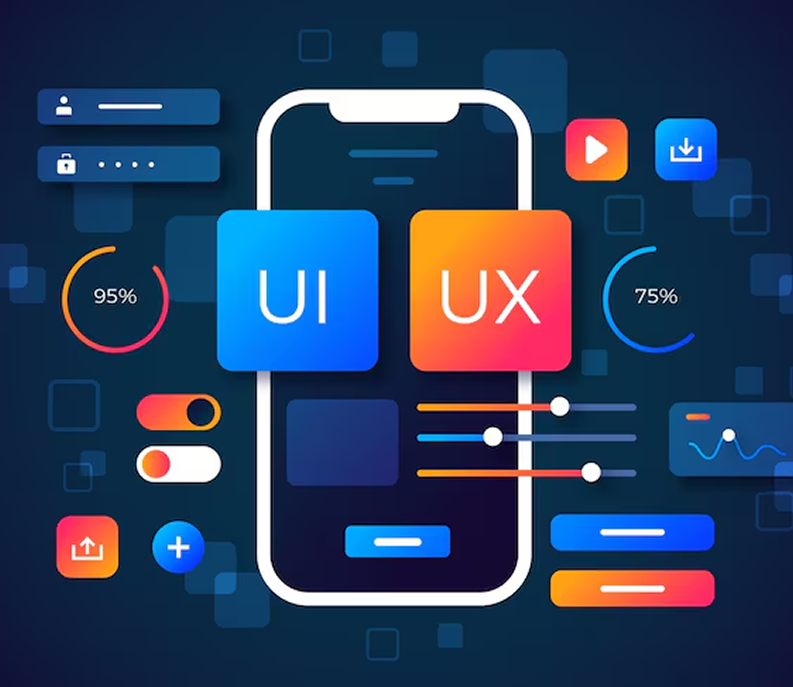
Professional UI/UX & Graphic Design Training in bexo.ed
The UI/UX & Graphic Design Training by bexo.ed is designed to help you master the core principles of User Interface (UI) and User Experience (UX) design.
Whether you are beginning your journey in graphic design or looking to understand how effective, user-centric designs are created, this program guides you through every concept with a clear, practical, and hands-on learning approach.
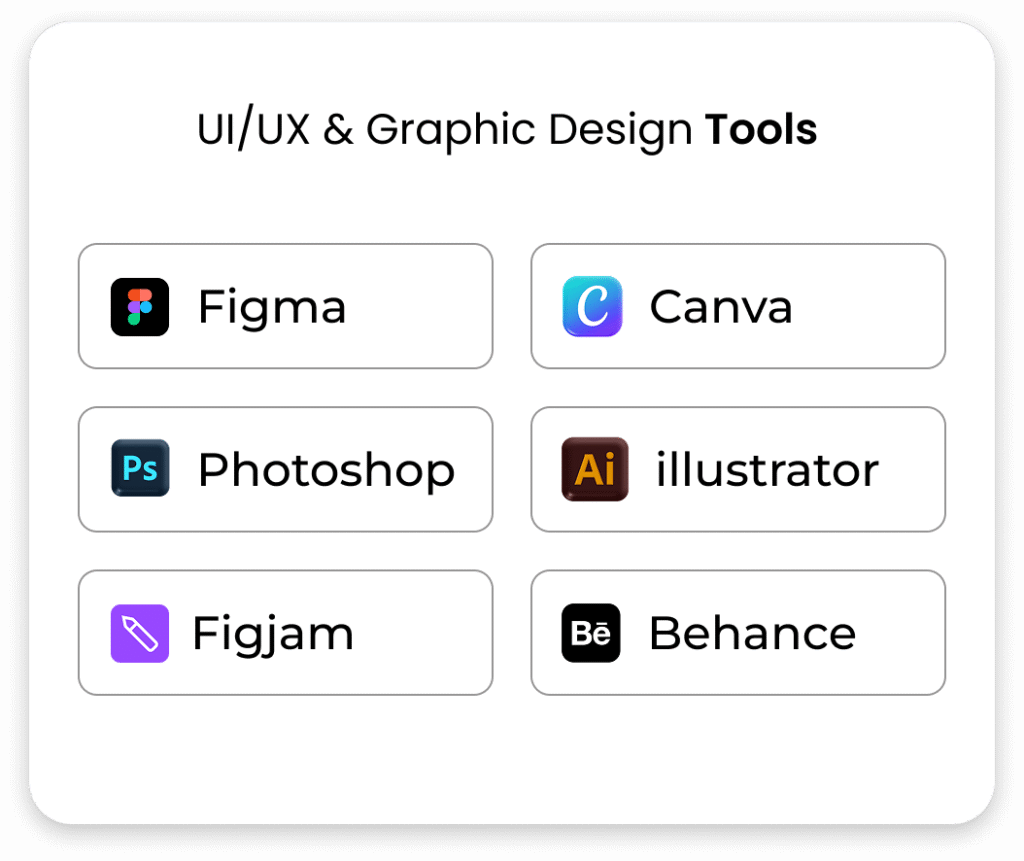
Our industry-focused UI/UX training covers the essential visual and experiential aspects of design, introducing you to modern tools and workflows such as Figma, Adobe Photoshop, Illustrator, wireframing, prototyping, user testing, and design systems.
- Numerous Courses
- Enter The IT Sector
- Hands-on Training
- Work On Live Projects

Design Tools
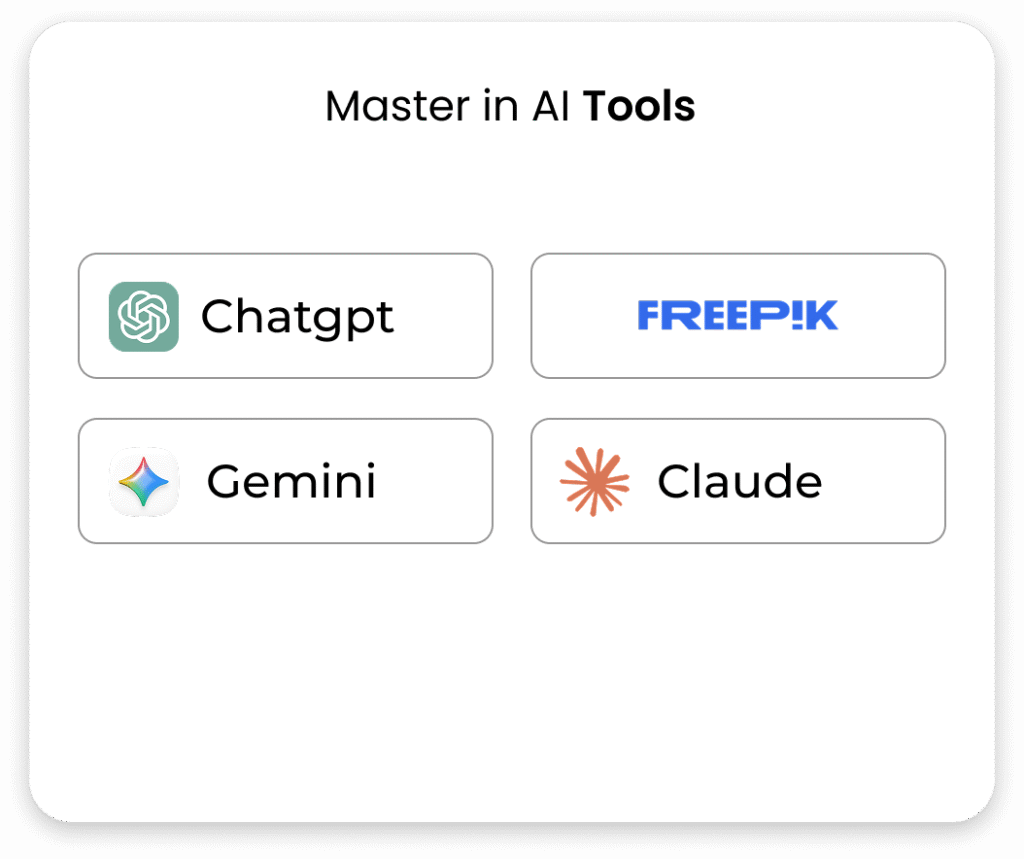
Master industry-leading UI/UX & Graphic Design tools enhanced with AI.
What you Learn in 12 Weeks?
In just 12 weeks, bexo.ed’s intensive AI-driven UI/UX & Graphic Design program transforms you from a beginner into an industry-ready designer.
Week 1-2 Design Foundations & Canva Basics
- Introduction to UI/UX & Graphic Design (roles,scope,industry)
- Design Principles: alignment, contrast, spacing, hierarchy
- Canva Interface Overview + Tools Walkthrough
- Canva Templates: Resumes, Presentations, Business Cards & Creating Ad Banners, Posters, and Carousels
- Mini Project: Brand Profile Slide Deck
Week 3-4 Photoshop for Creatives
- Photoshop Interface, Layers & Selection Tools
- Masking, Retouching, and Image Corrections
- Typography, Smart Objects, and Effects
- Designing Web Assets – Banners, Hero Images, Social Templates
- Photoshop for Mockups & Products Showcases
- Portfolio Polishing Using Photoshop Templates
Week 5-6 Illustrator & Visual Branding
- Illustrator Essentials: Vector Tools, Grids & Pen Tool
- Logo Design Basics, Typography, Icon Creation
- Scalable UI Elements & Responsive Asset Design
- Mini Project: Logo + Icon Set for a Mobile App
- Exporting for Web & Mobile Platforms
- Branding Collaterals: Business Cards, Letterheads
Week 7-8 Figma & Interface Design
- Figma Interface, Collaboration & Shortcuts
- Components, Constraints, Auto Layout
- Grids, Frames, and Responsive Layouts
- Prototyping in Figma – Transition, Links, Interactions
- Mini Project: 3-Screen Mobile App UI
- Figma Design Systems & UI kits
Week 9-10 UX Research & Wireframing
- User Personas, Empathy Maps, Competitive Analysis
- User Journey Mapping & Information Architecture
- Wireframing – Low to High-Fidelity
- Accessinility in UX + UX Writing
- Mini Project: Food Ordering App – Wireframe to prototype
- UX Audit Practice on Existing App
Week 11-12 Portfolio,Microinteractions & Career Prep
- Mobile – First and Responsive UI Design Best Practices
- Buttons, Cards, Toggles, Microinteractions in Figma
- Mini Project: Dashboard + Login UI With Animation
- Portfolio Planning – Structure, Case Studies, Layout & Publishing on Behance, LinkedIn, Dribble
- Resume Writing, Freelancing & Interview Tips
- Final Submission